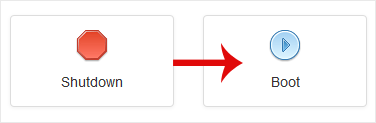
How to Start/Boot Your VPS in SolusVM

If your VPS is down/offline, you can start it using SolusVM.


1.
Log in to your SolusVM Control Panel.

2. If you have multiple VPSs, select the appropriate one.
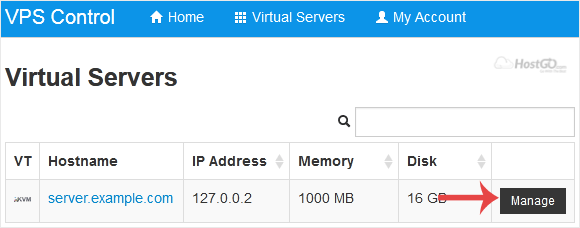
solusvm-select-vps.gif


3. Click on Boot.
solusvm-boot-start-vps.gif


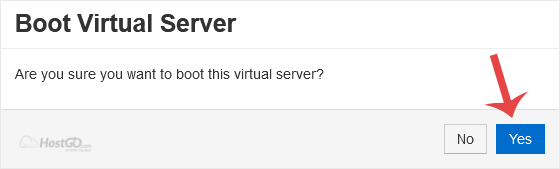
4. Click Yes to confirm.
solusvm-start-boot-confirmation.gif


It may take some time for the VPS to start.

  • 0 أعضاء وجدوا هذه المقالة مفيدة
هل كانت المقالة مفيدة ؟

مقالات مشابهة

How to Change Hostname in SolusVM

You can change the hostname in SolusVM.1. Log in to your SolusVM Control Panel.2. If you have...

How to Manually Install/Reinstall an OS using SolusVM for a Customized Installation

SolusVM's automatic reinstall option does not allow you to modify or create a custom partition....

How to Forcefully or Gracefully Shut Down the VPS in SolusVM

You can shut down the VPS in two ways - forcefully or gracefully in SolusVM. How to Gracefully...

How to Access VPS via VNC in SolusVM

You can access your VPS via VNC in an emergency, such as when a firewall blocks your IP, the...

How to Change the VNC Password in SolusVM

You can change the VNC password using SolusVM.1. Log in to your SolusVM Control Panel.2. If you...