
Open up your Outlook email program
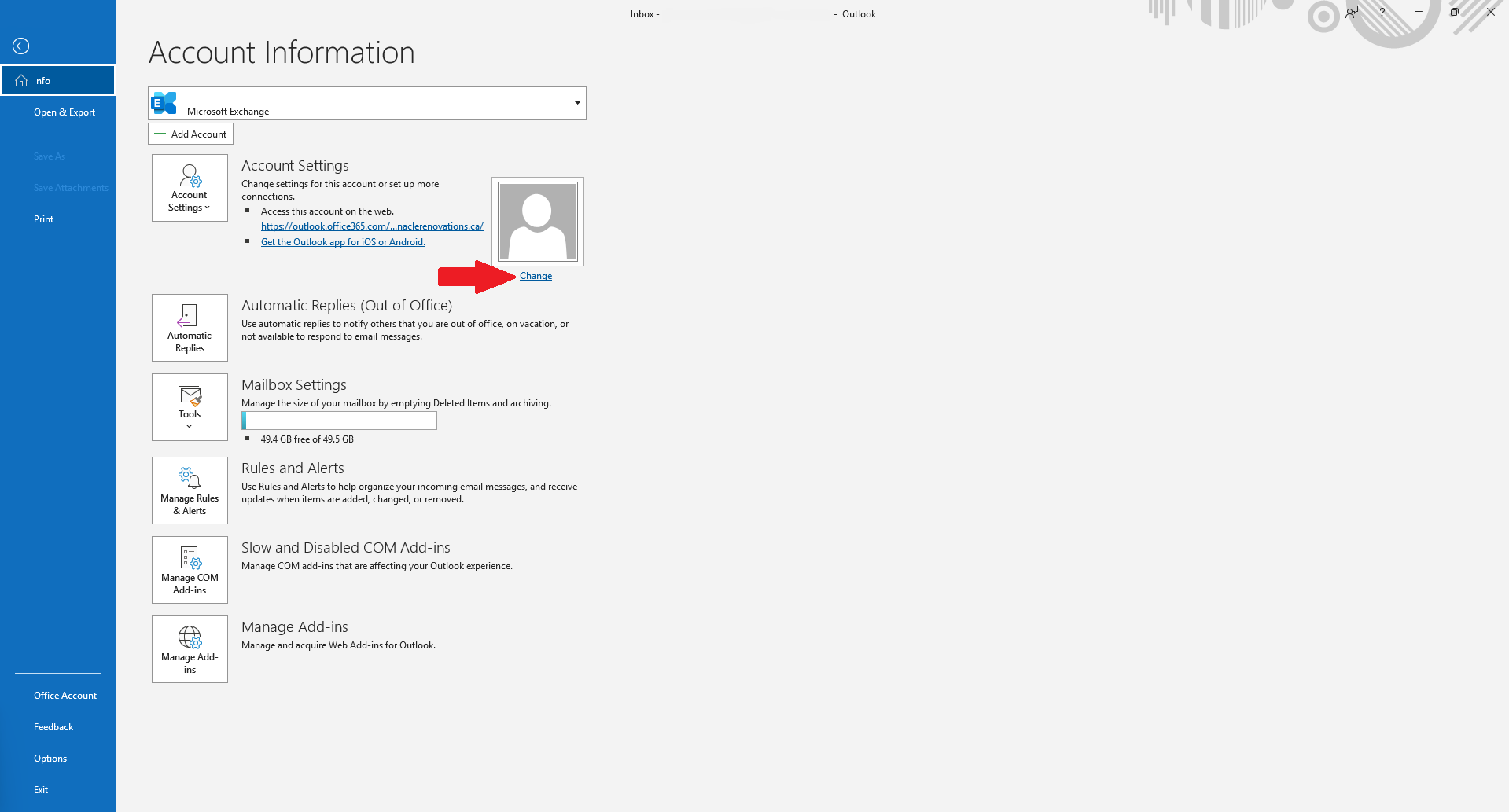
Click on File in the top left

Click Change under the image box
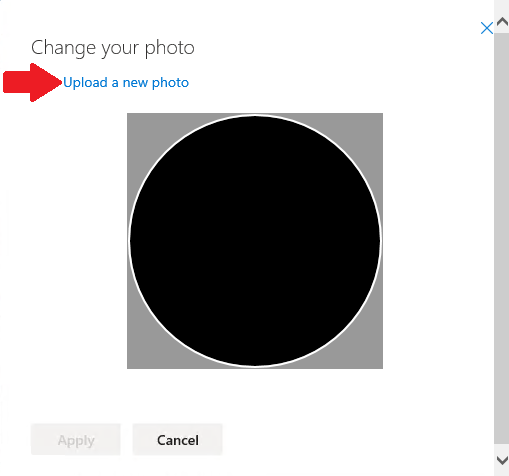
A new window should pop up for your web browser. Click on the Upload a new photo button
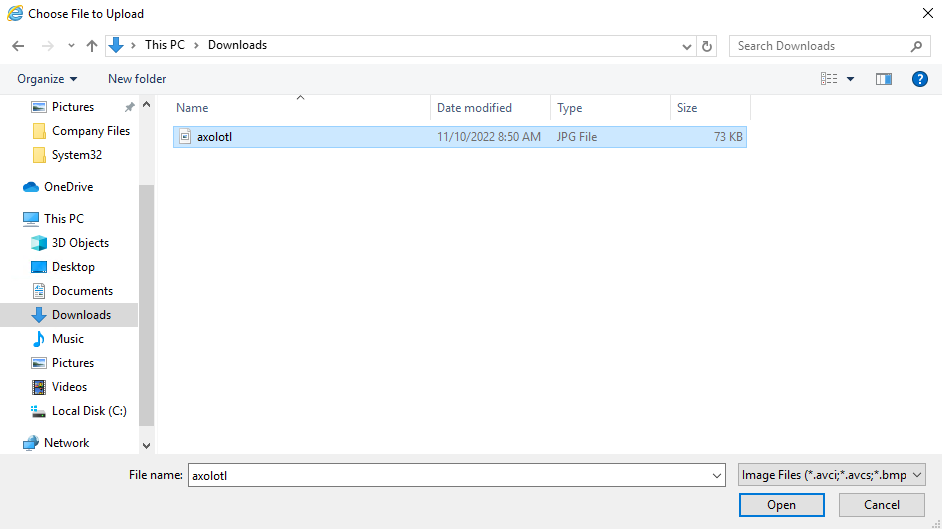
Browse to your image and select it. Then click Open
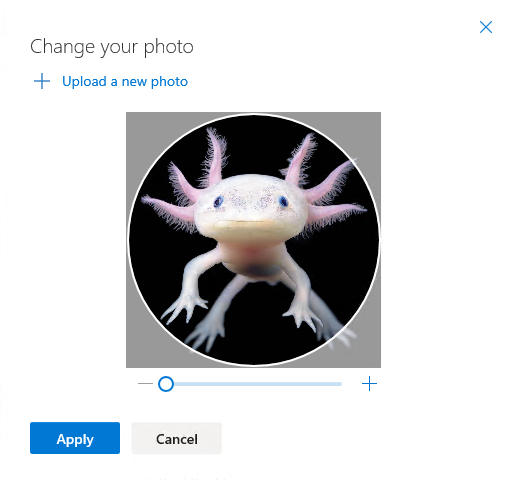
You can now adjust the image zoom if you like and once happy click Apply
It may take a little time for outlook/teams/word/... to see the phone update.