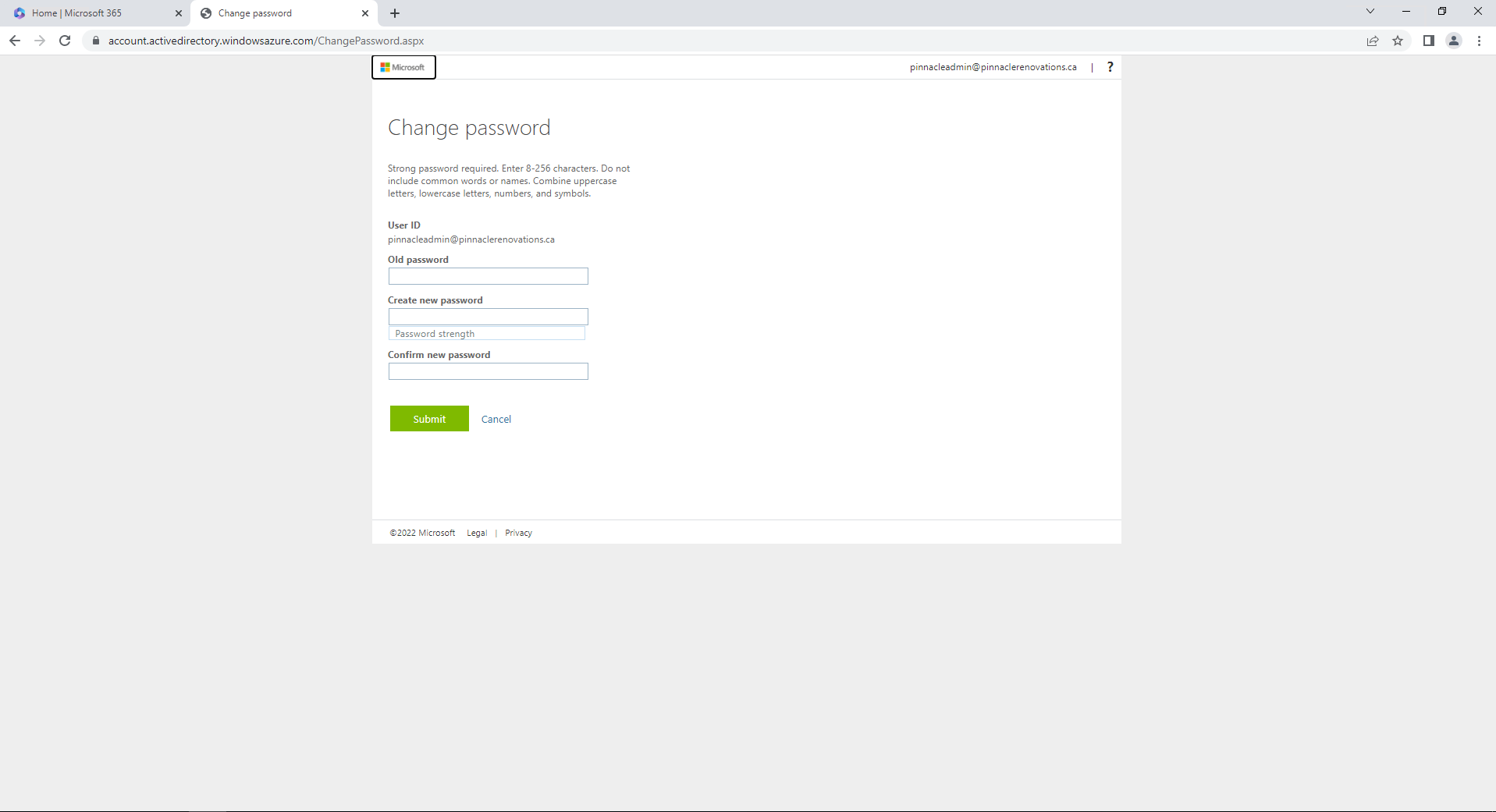
How to reset your Office 365 password.
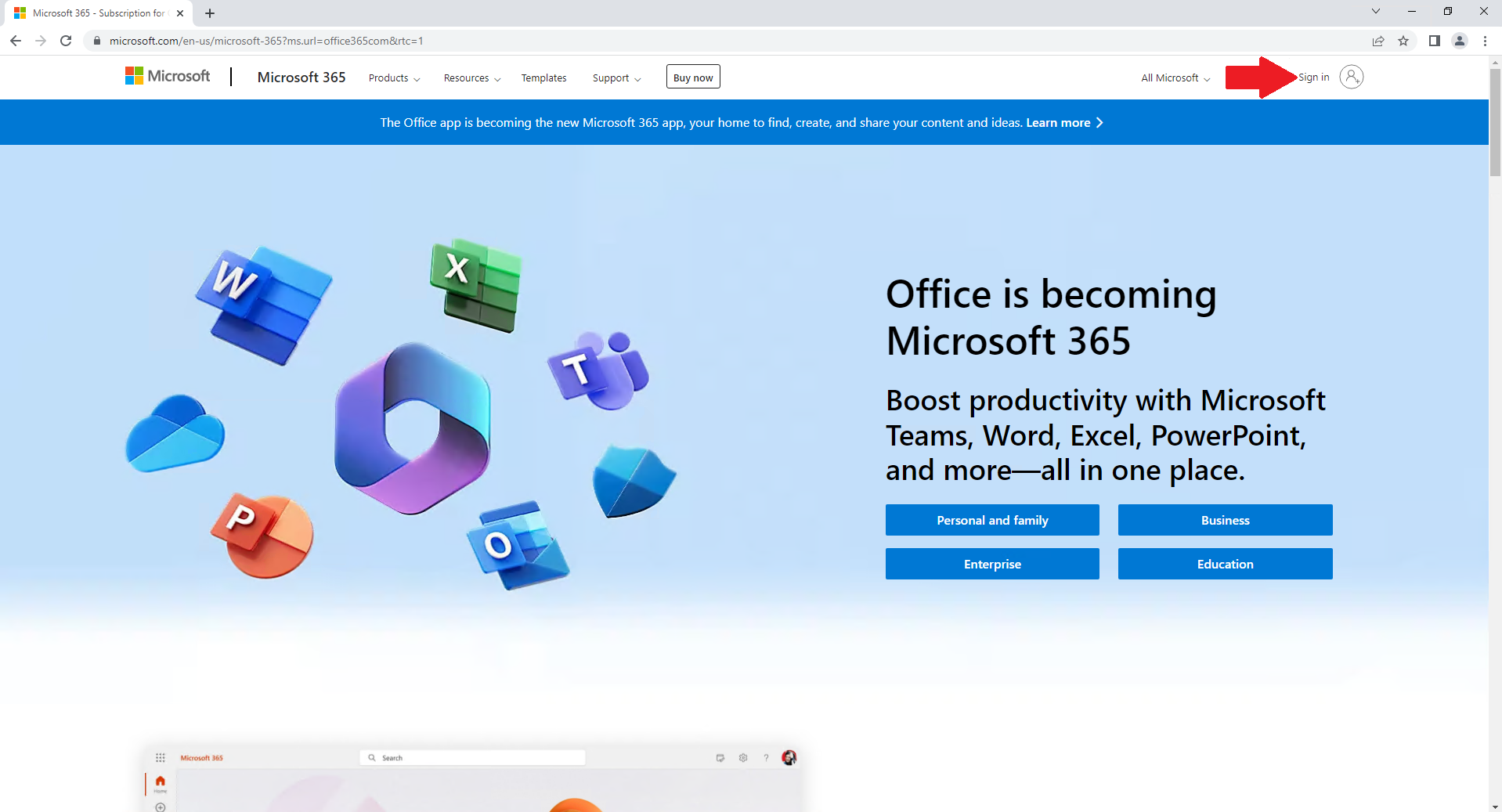
You want to go to the website https://office365.com
Click Sign in in the top right
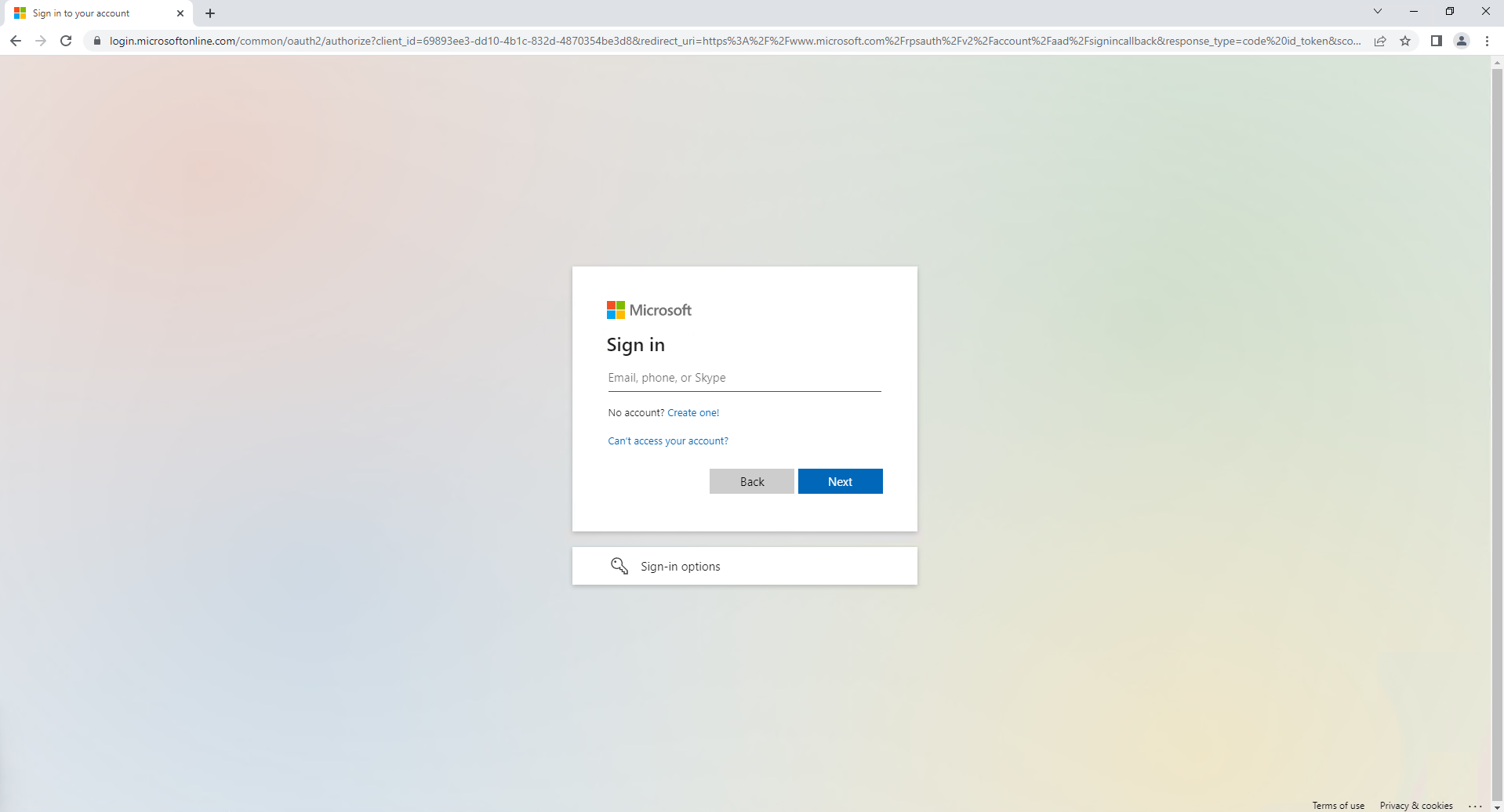
Type in your Office 365 password
Click Next
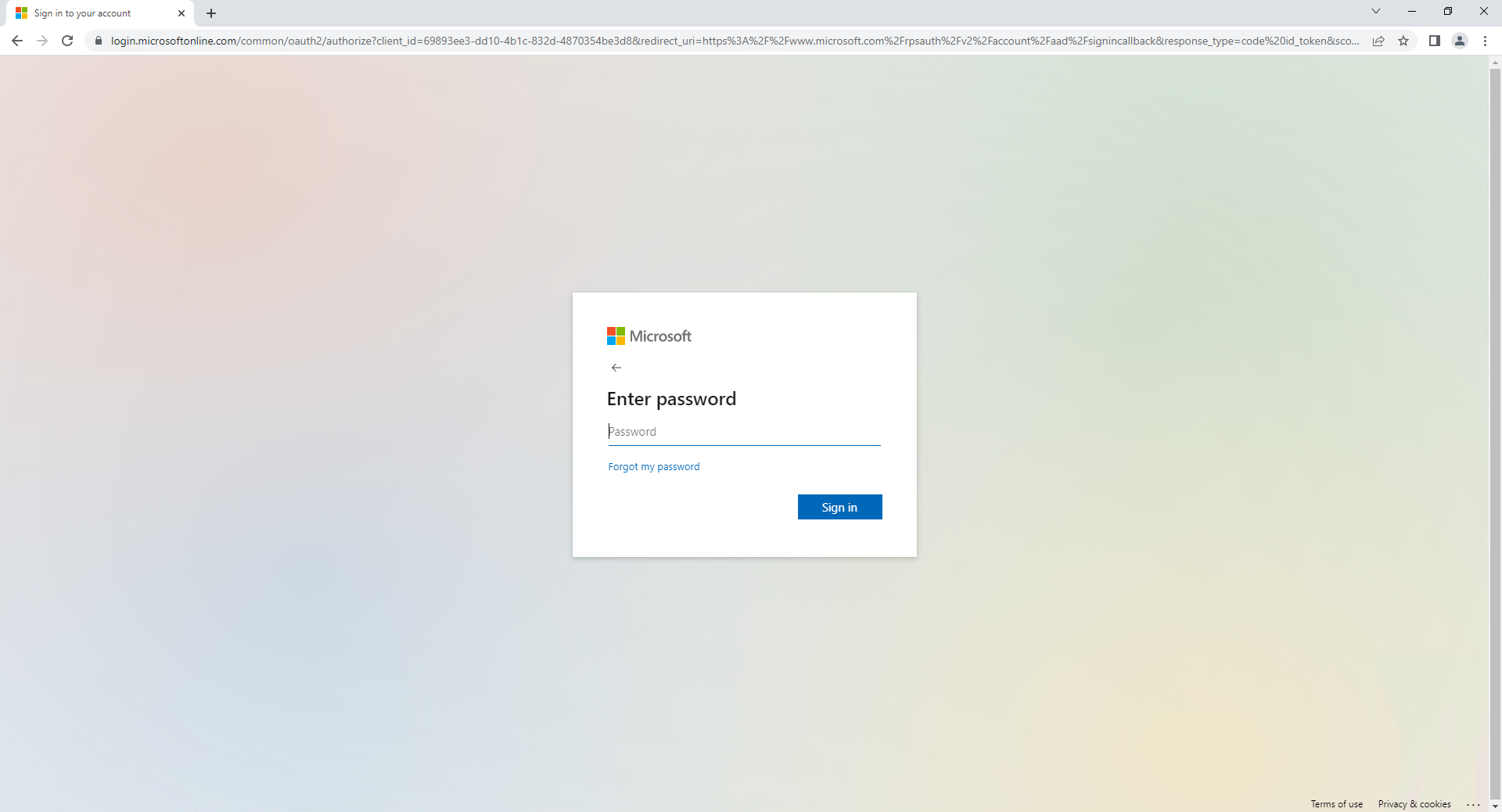
Type in your email password and click Sign in
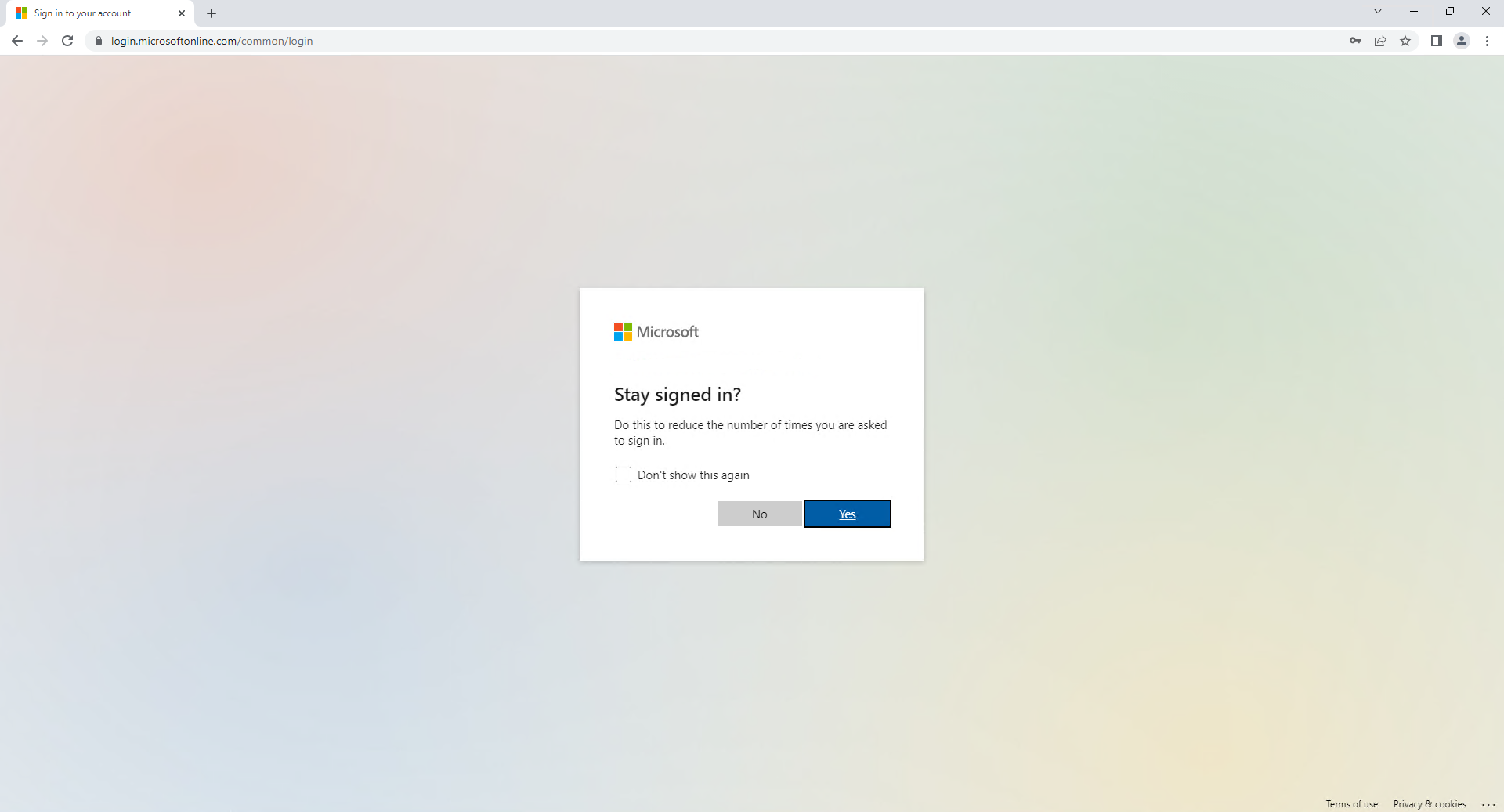
If you see this screen you can click Yes if this
Once logged in click on the button in the top right

Click on view account

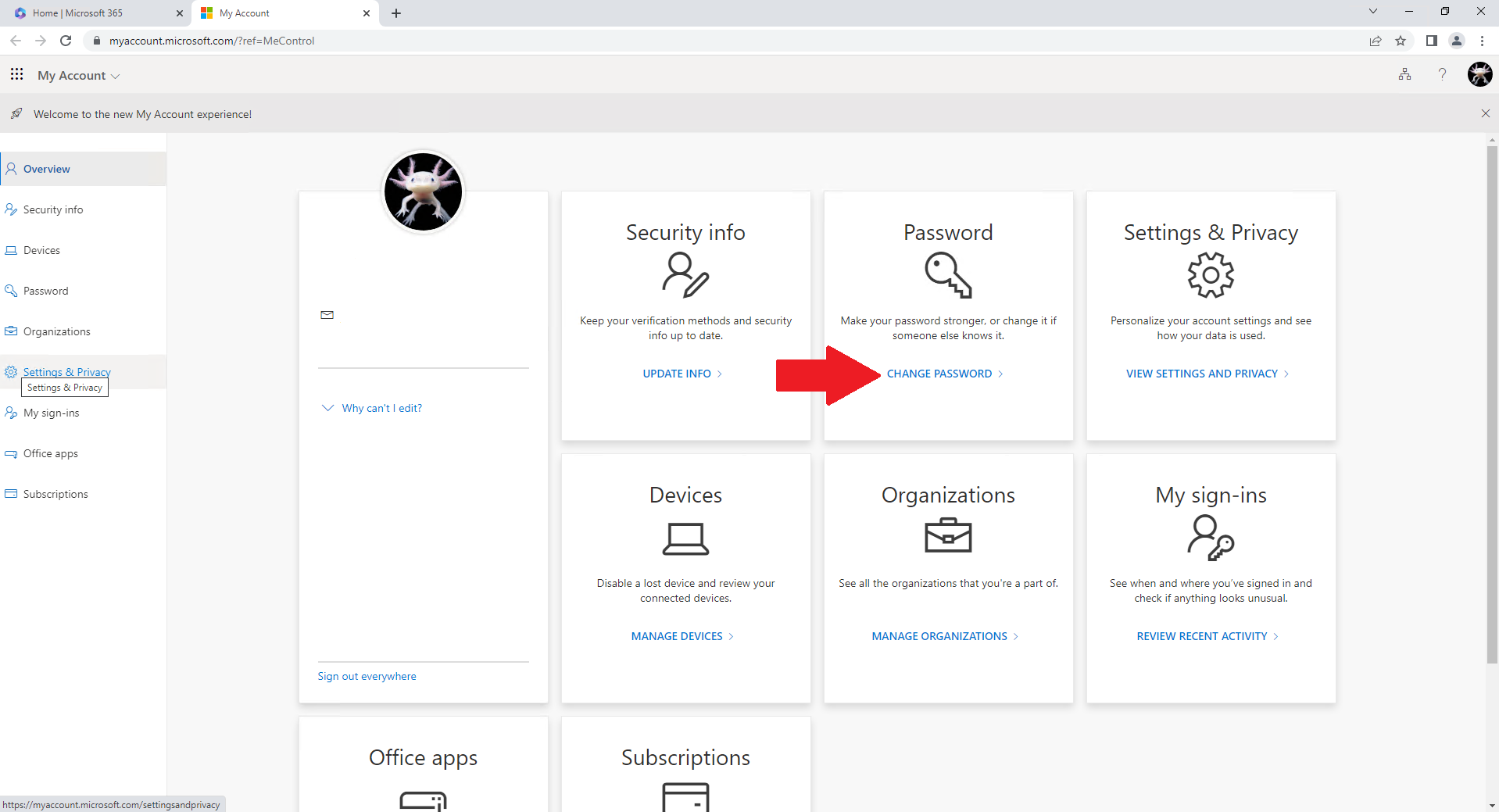
Click on Change Password
Type in your current password
Type in new password
confirm your new password
Click on Submit