
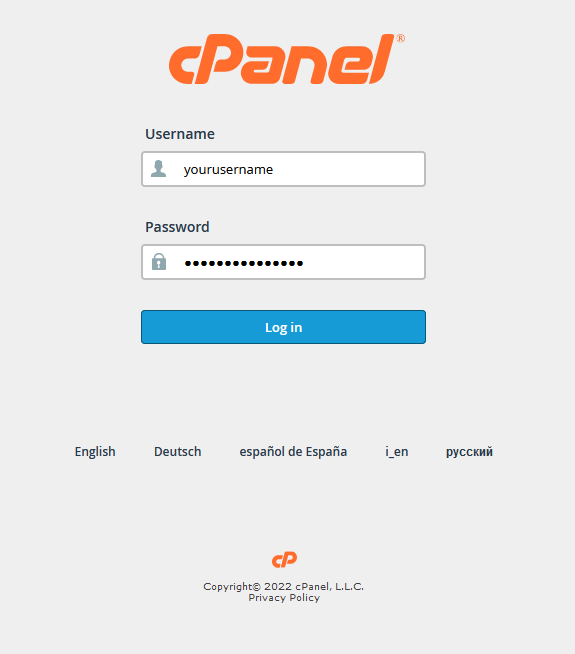
Log into your cPanel account
URL: https://yourdomain/cpanel (change your domain out for your actual domain name)
Username: your cPanel username
Password: Your cPanel password
(We can reset if needed)
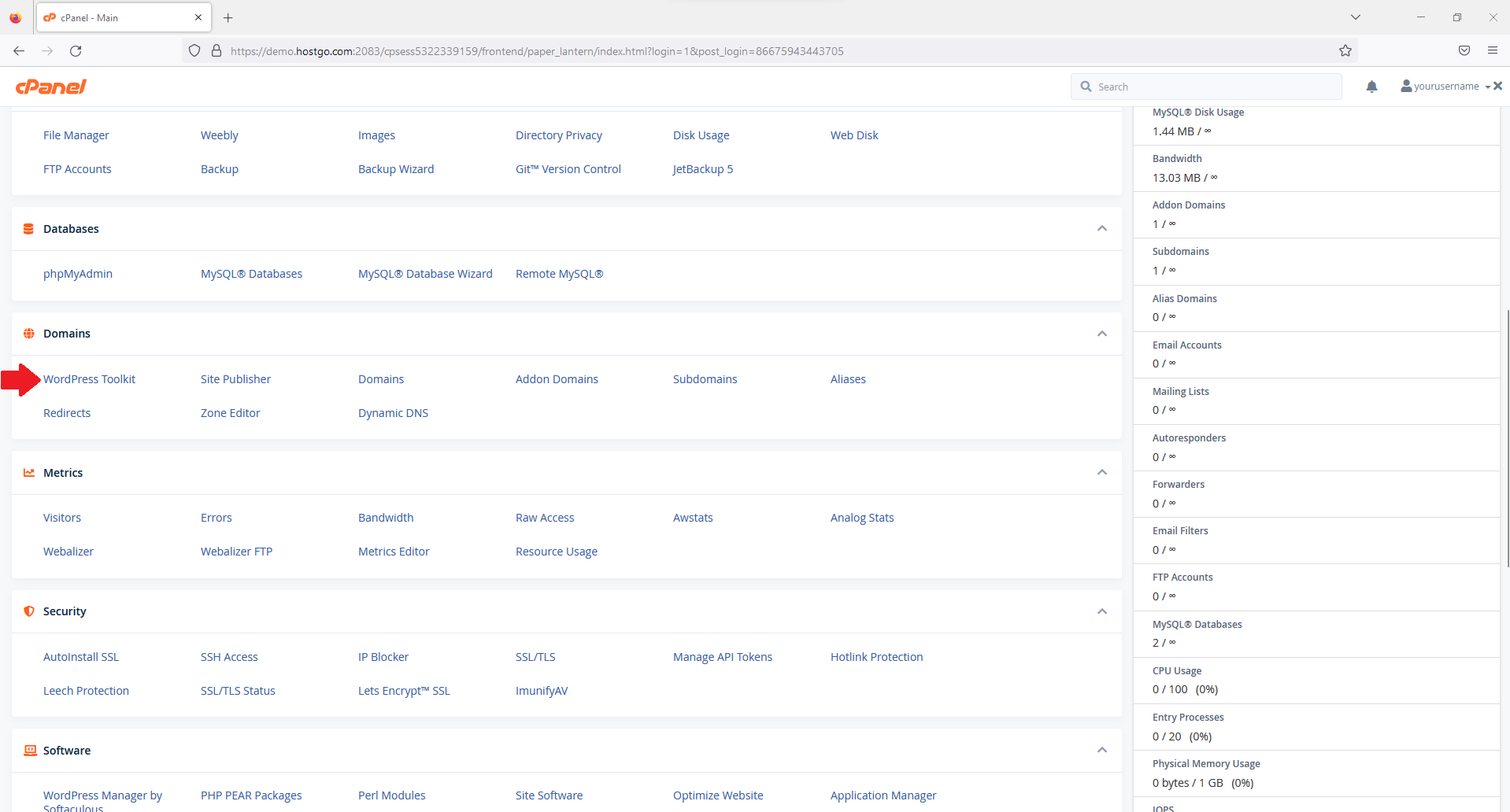
Click on the WordPress Toolkit icon
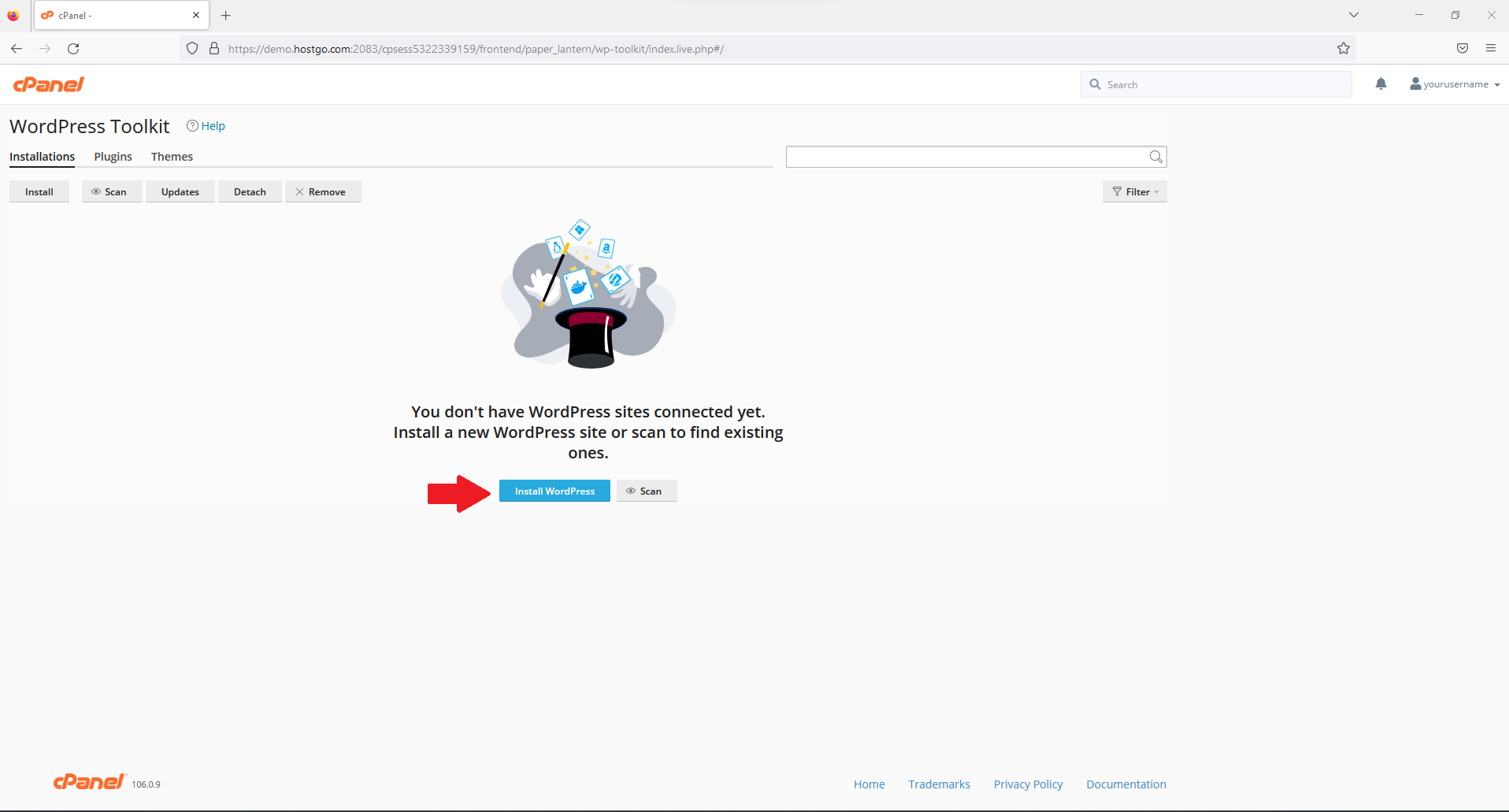
Click on Install WordPress button
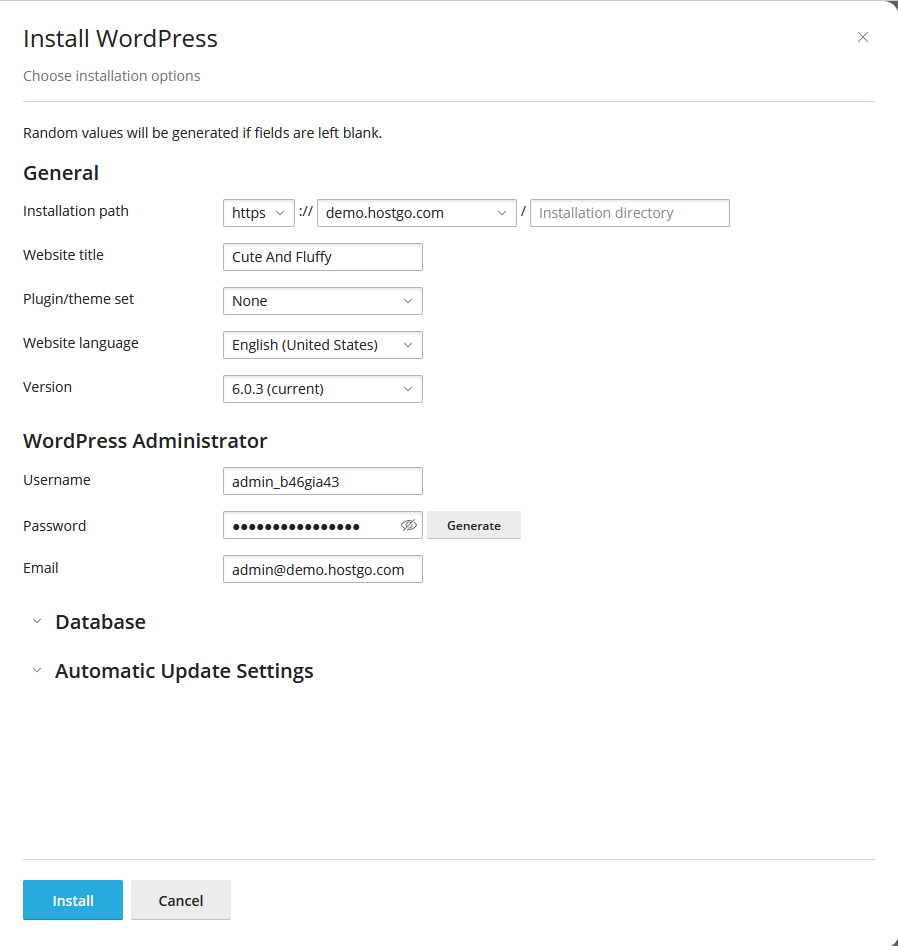
Fill in the blanks here.
Click Install
Here you can have toolkit install plugins/themes for you if you like or click on No Thanks and you can do that once you are logged in.
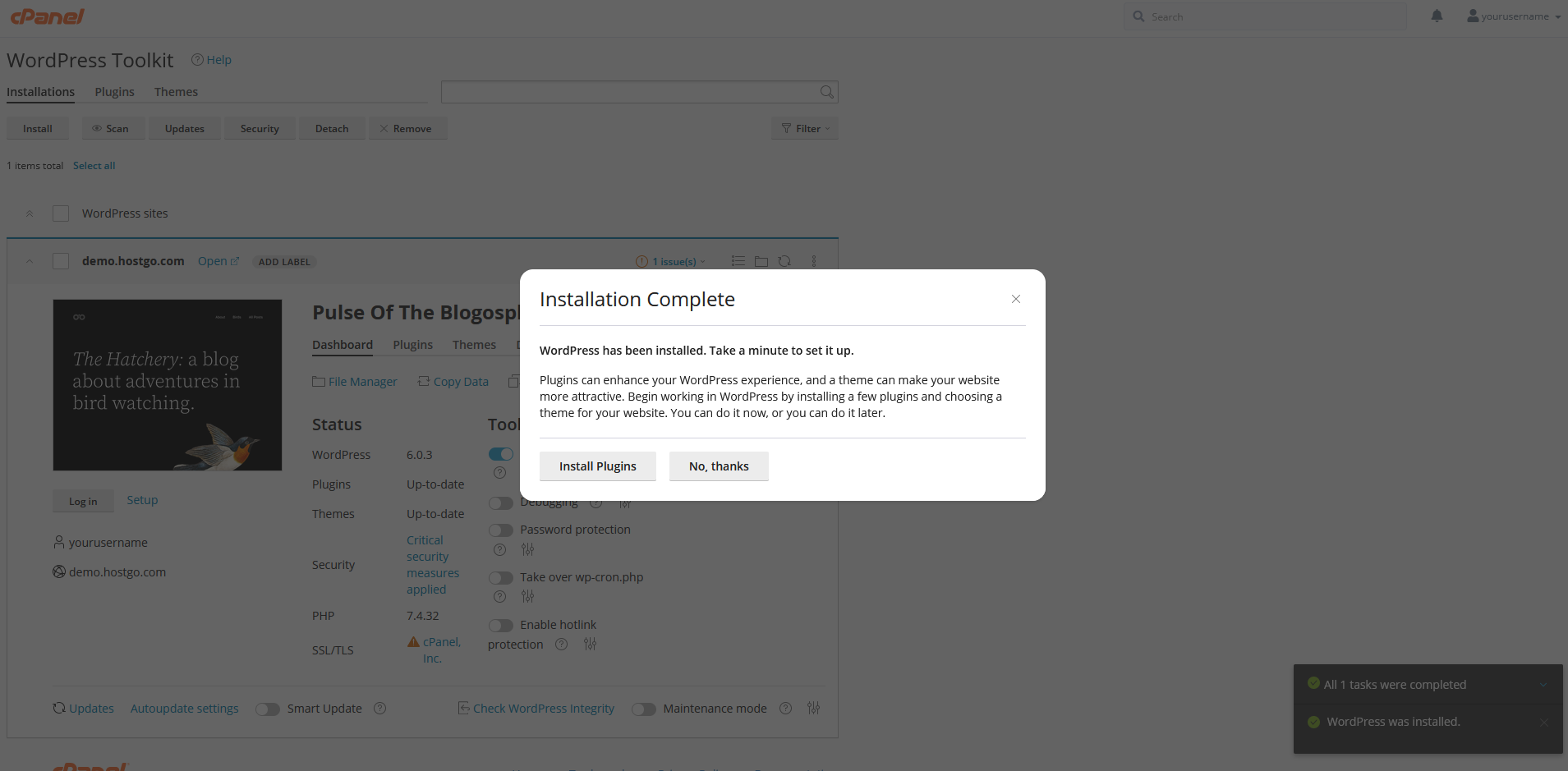
Wordpress is now ready. You can click on Login to get into wordpress and start working.